FAQs

Find Answers Here.

New Product

Do you offer business automation solutions?

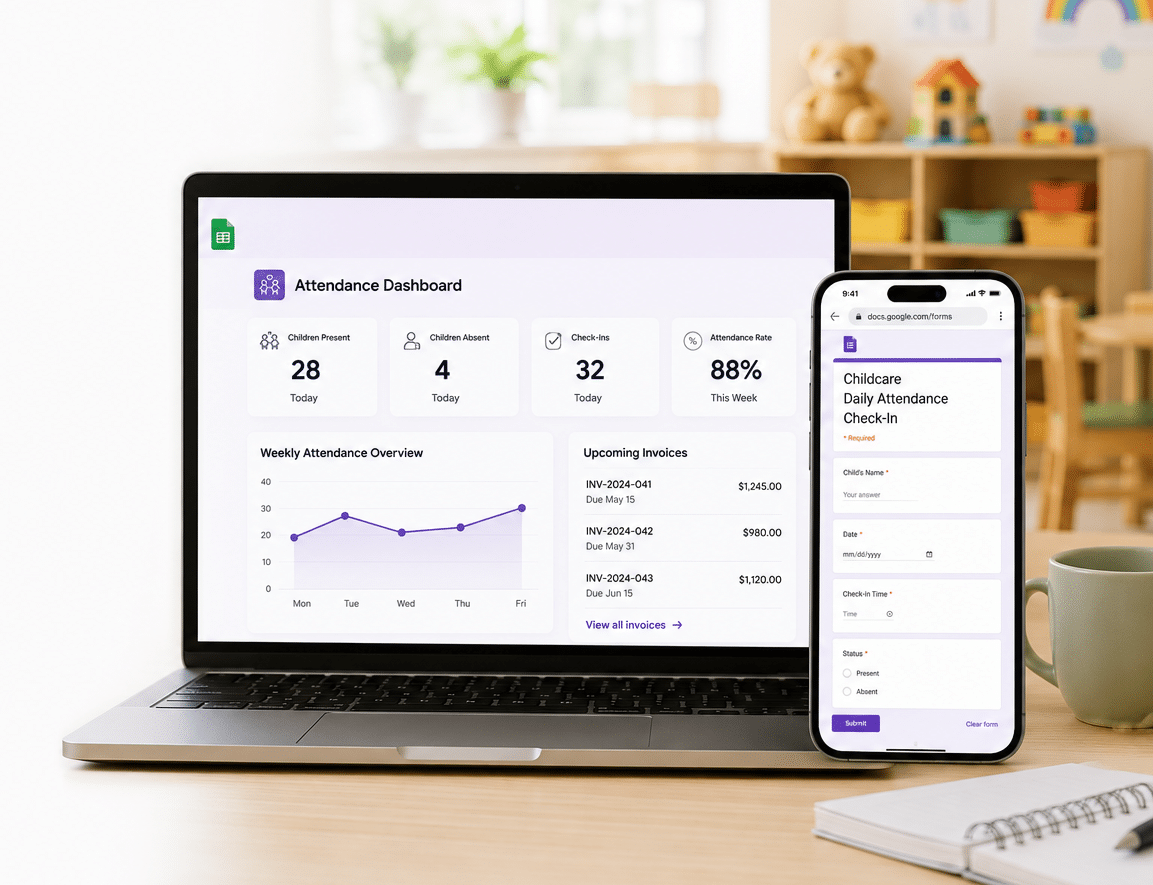
Yes! We create completely subscription free business automation tools built 100% within Google Workspace using Google Sheets and Google Forms. We can automate dynamic tasks such as syncing customer form responses directly into spreadsheets, generating automated invoices or summaries as PDFs, sending email notifications with attachments, and setting up payment reminders to streamline your operations.

How do your digital daycare attendance sheets work?

Our daycare attendance systems are designed using secure Google Workspace tools. They allow child care administrators to track student rosters, monitor check in and check out times seamlessly, and view attendance data in real time. Guardian inputs sync directly to your master sheets without any ongoing subscription fees.

How secure are my digital template access links?

Your access is completely secure. The moment your payment is processed, our automated system generates a secure PDF download containing your official layout links. These links copy the design directly into your personal account, ensuring your customized workspace remains completely private.

Website and Template

Is there a subscription fee for the templates?

Except for some rare custom design cases, all of our templates are made in Canva. You do not have to pay any fees to use our templates on Canva. We guarantee that none of our templates require a subscription fee to use.

Is there a domain fee for the mini website templates?

There is no need to pay a domain fee. The free version will be a subdomain in the form of yourname.my.canva.site. If you wish, however, there is an option to use a paid domain. You can either link your own existing domain name or buy a new one directly through Canva.

How do I publish a website template?

Detailed instructions are included inside your purchase package. The step by step instructions are incredibly easy to follow.

Can I make changes after publishing my website?

Totally! You can make any changes whenever you like. Just remember to publish the project again within your workspace to reflect your new changes live.

How does a QR code work?

To create a QR code, you simply need a website link. The QR code generator recognizes your webpage address and creates a unique scannable pattern based on that destination link. We include detailed, easy to follow instructions on how to create your own unique QR code.

Do I have to change my QR code if I make changes to my website?

No, you do not have to change it. As long as the webpage address linked to the QR code stays exactly the same, you can make as many updates to your layout as you like and the QR code will continue to work perfectly.

Is Canva free to use?

Yes, it is completely free to use! While there is a paid version of Canva, you do not need it for our products. All of our templates and custom designs use free artworks, objects, fonts, and music files so you do not have to pay an extra fee.

Can the templates be personalized in different languages?

Yes. Since Canva offers full support for different languages, all of our templates can be easily edited in your preferred language.

Can I add more music, slides, or photos to a slideshow template? Is there a limit?

There is absolutely no limit on the number of music tracks, slides, or photos you can add to your Canva templates. Canva is highly flexible and allows you to add as many assets as your project requires.

What should I know about importing my own music for slideshows?

To upload your own audio, the music must be in a standard file format such as mp3 or m4a to import properly into the Canva library. Direct links from Apple Music, Spotify, or other streaming apps will not work. Additionally, some audio files contain DRM digital rights management protection to track usage. If your file is a protected DRM version, you will not be able to upload it. Please ensure your files are non DRM versions. Alternatively, you can use the free music tracks available directly inside Canva.

Custom Design Services

I need a graphic design service. What can Ingenie Sally do?

From websites to digital signage and printed materials, I can design anything your business needs! You name it and we can build it.

Can I have a template customized for me?

Yes, absolutely! For an extra customization fee, I can personalize any template layout to match your specific branding.

Can I have a slideshow customized?

Yes, you absolutely can. Our base customization package is built around a layout of up to 100 photos. If you would like to include more than 100 photos, an extra service fee will apply. Please contact Ingenie Sally directly for a detailed quote.

Can I have my business menu customized?

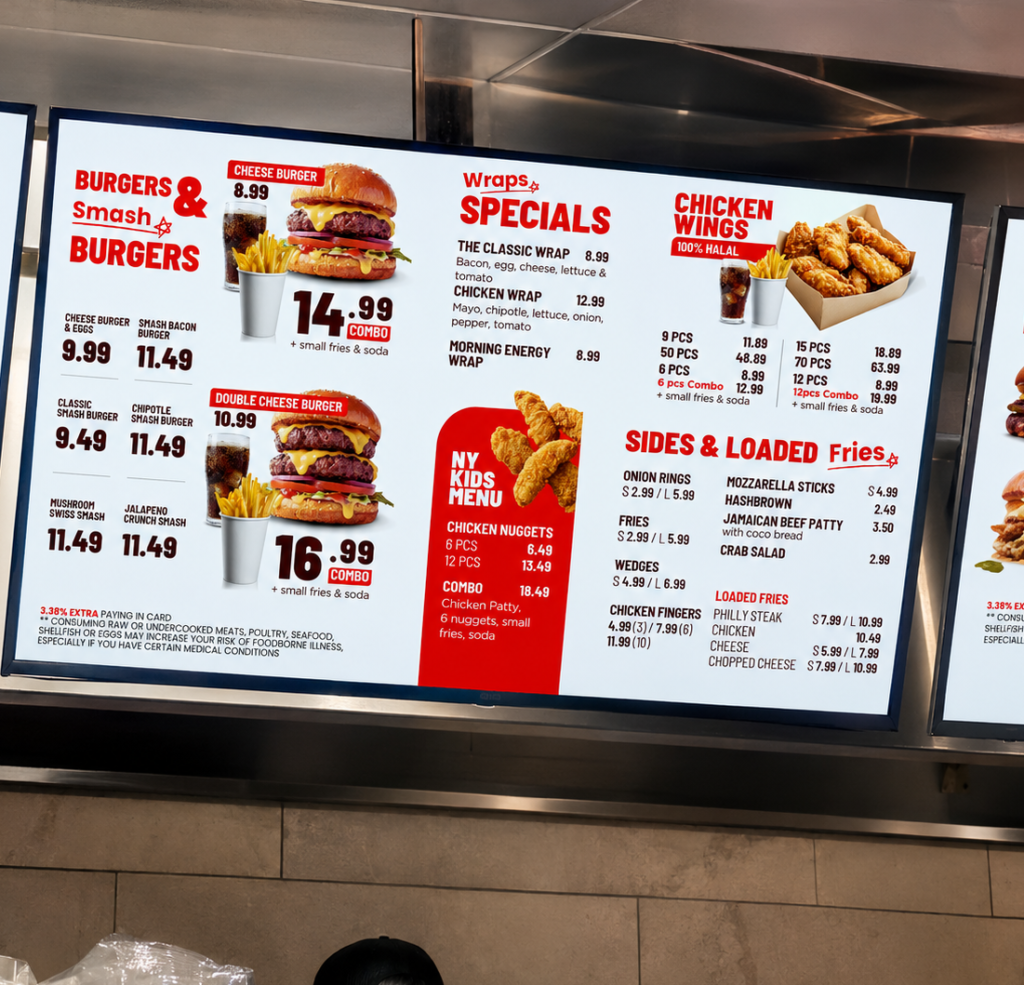
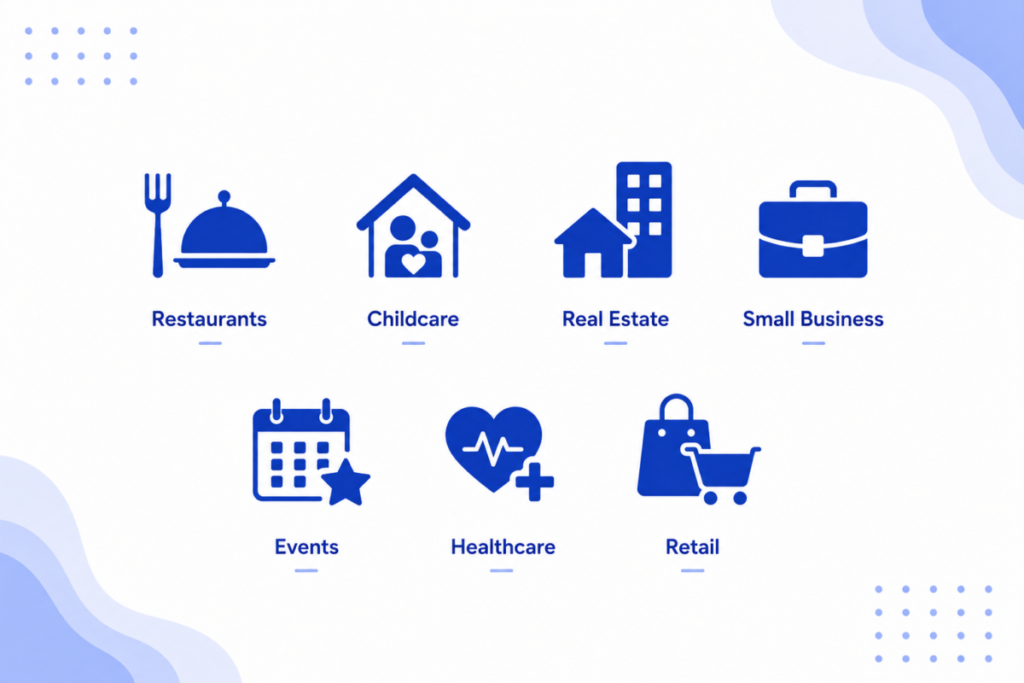
I can customize any kind of menu layout, including takeout menus, printed menu boards, websites with a QR code setup, and digital menu boards. I also design matching logos, business cards, outdoor signs, posters, and product labels. In fact, I design premium business materials for all kinds of industries, not just restaurants.

Can the menus be built in any size or in vertical and horizontal formats?

I can build your layout in any size, large or small, vertical or horizontal. For digital menu boards, we highly recommend using a TV screen larger than 32 inches to ensure the best possible legibility for your customers.

I would like my digital menu customized. What information do I need to provide?

To get started, we will need to know how many screens you plan to use, the physical size of your screens, distance between the screen and the customers, your final menu, and if you have a specific design style example you like. You can also let us know if you want to use your own food images or if you would like us to utilize premium generic stock images.

Is there an ongoing subscription fee for a digital menu?

No. I use Canva to design your digital menu board, which is free to use. Usually, to display a digital menu on a monitor, companies require you to subscribe to a monthly digital signage display service. With our designs, all you need is a smart TV to display your digital menu completely free of subscriptions!

How do I display my digital menu on my TV screen?

You will need a smart TV with a standard USB slot that can read media files. Once you approve the final design layout, I will send you your Canva access link, along with the high resolution video file for an animated board or a static image file. Simply download the file onto a USB drive, plug it into your TV, and press play! For animated menus, some TV models display a brief black screen for a second when looping a short video file. To prevent this, I provide you with a long, one hour video file so the screen transitions smoothly and only resets once every hour.

Can I edit the menu layout myself later?

I completely understand how frequently prices and items change! Since your menu is designed in Canva, you can absolutely edit the text yourself whenever you need to adjust prices, descriptions, item names, or selections. Depending on the complexity of the design layout, advanced graphic design skills may only be required if you plan to completely restructure the layout columns or swap out primary background images.