
Description
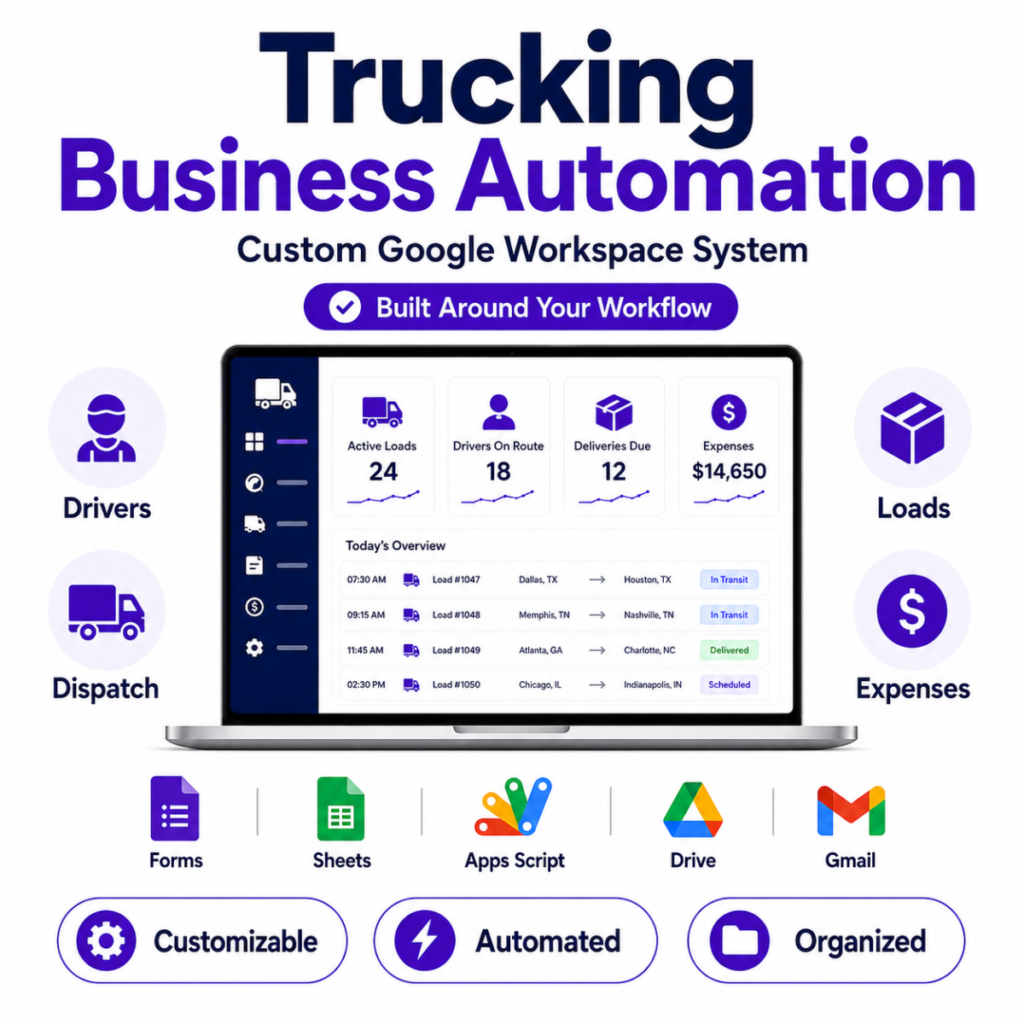
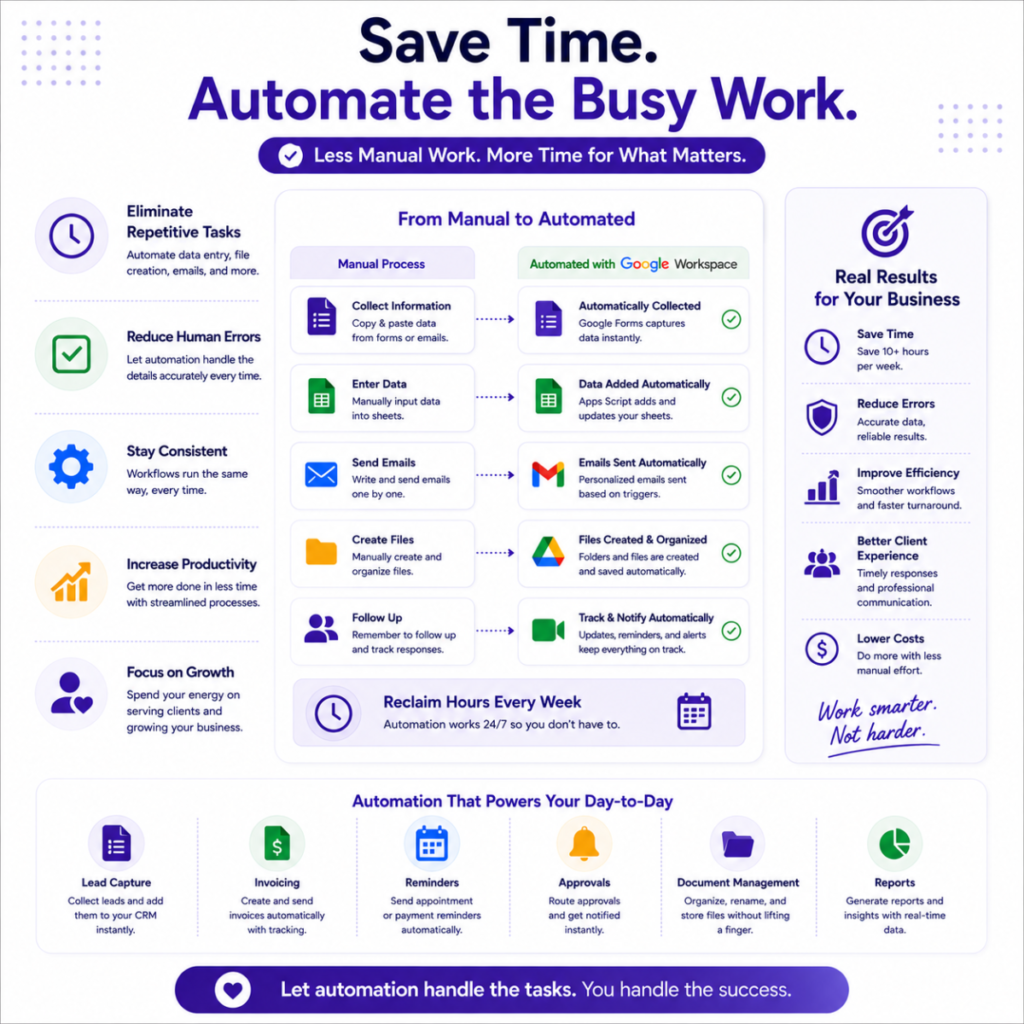
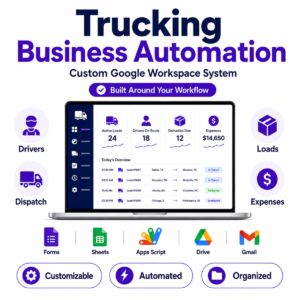
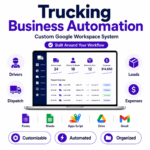
Trucking automation helps transportation and trucking businesses organize drivers, dispatch, loads, trip documents, expenses, and daily administrative workflows in one connected Google Workspace system.
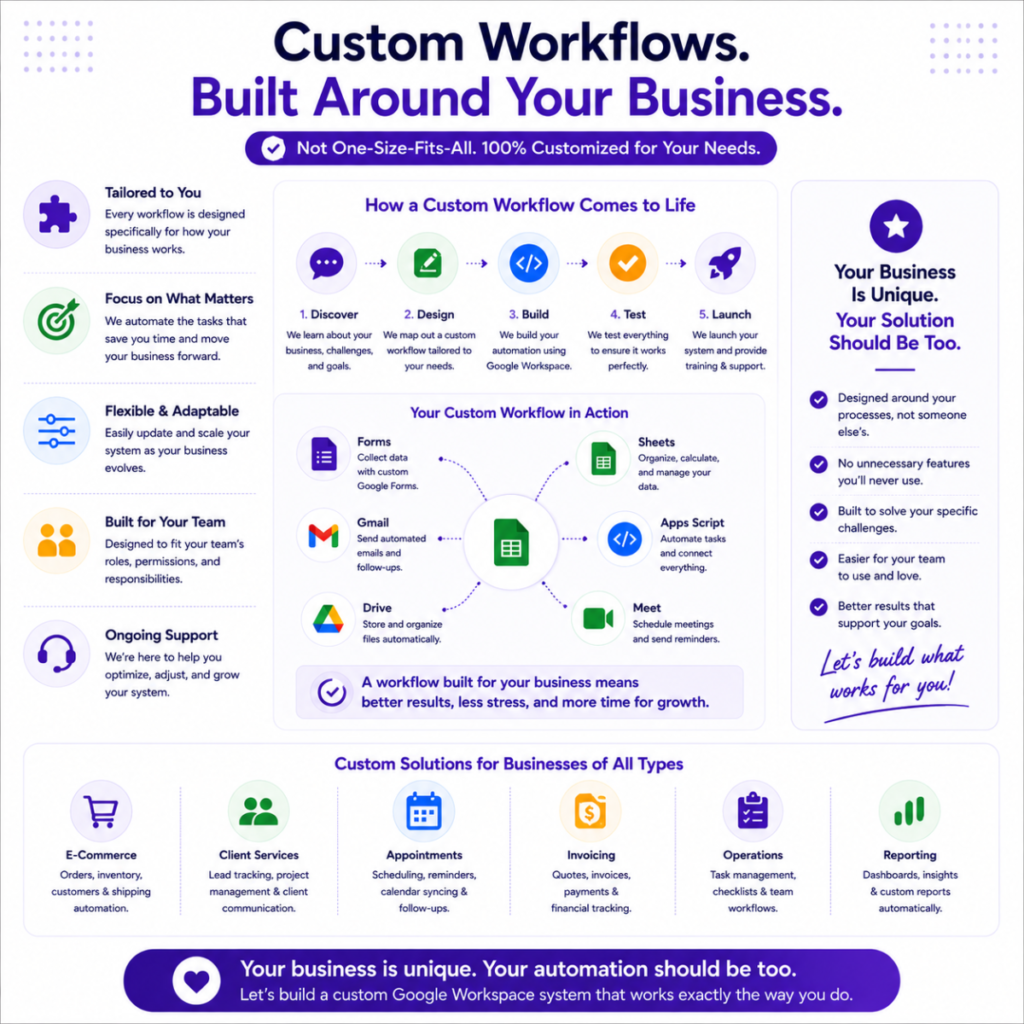
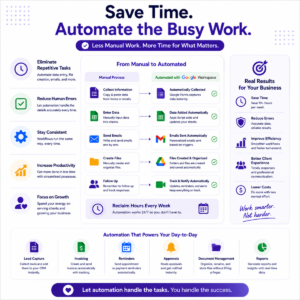
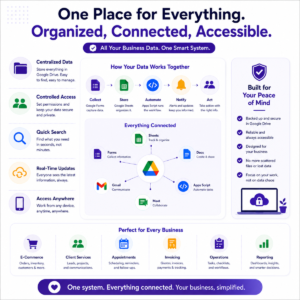
Built specifically around the way your trucking business operates, this custom Google Workspace automationsolution can connect Google Forms, Google Sheets, Google Drive, Gmail, Google Calendar, Google Docs, and Google Apps Script to reduce repetitive administrative work and keep important trucking records organized.
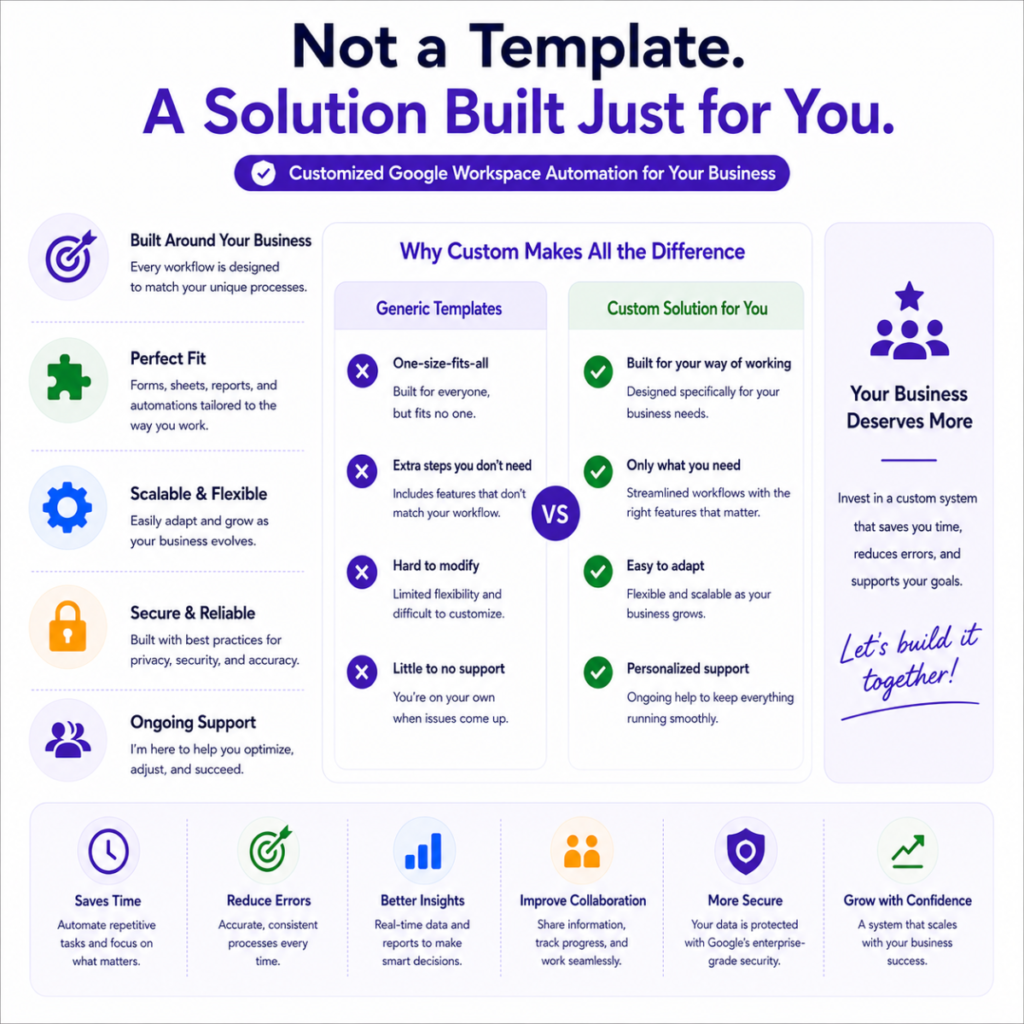
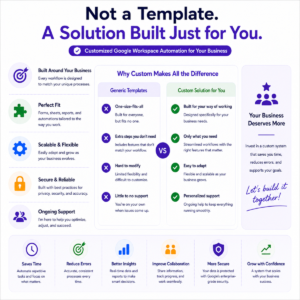
Unlike generic trucking spreadsheet templates, your system is customized around your fleet, drivers, dispatch process, load stages, document requirements, and reporting needs.
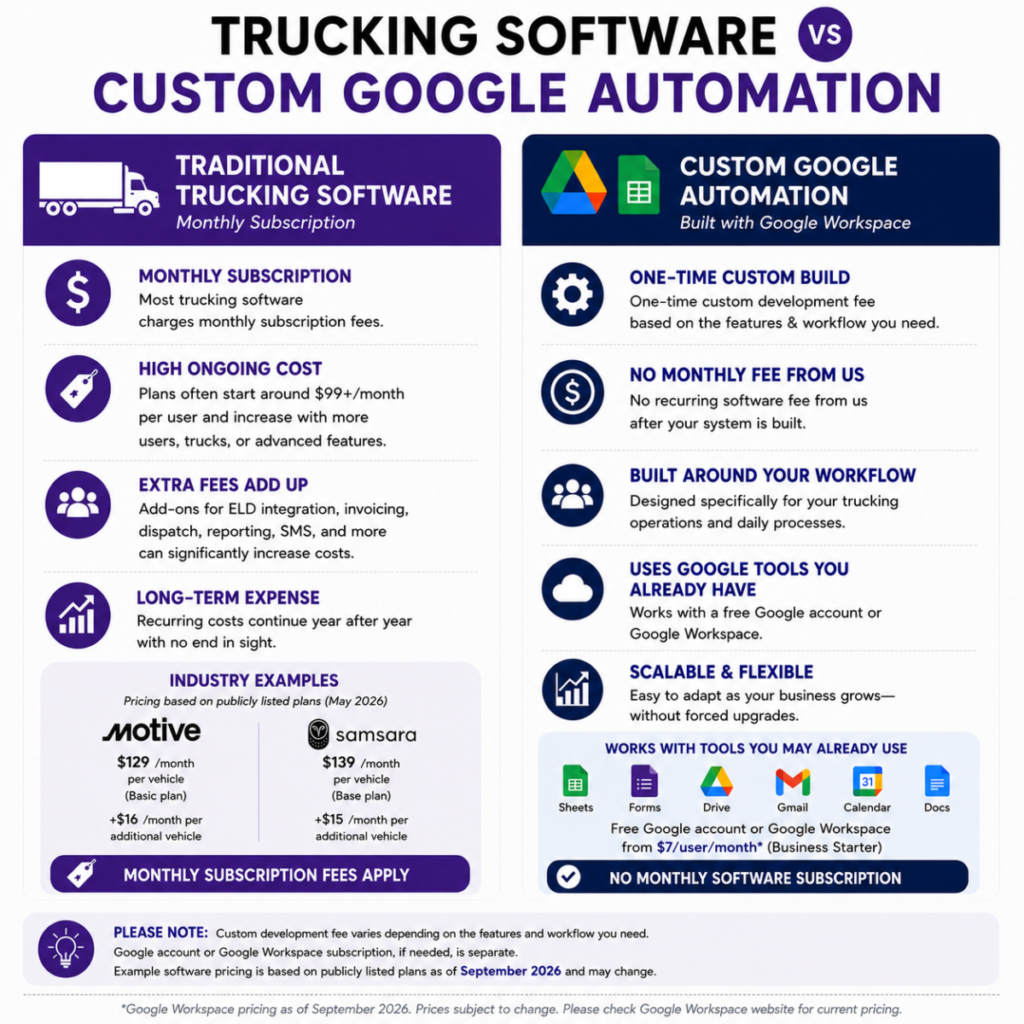
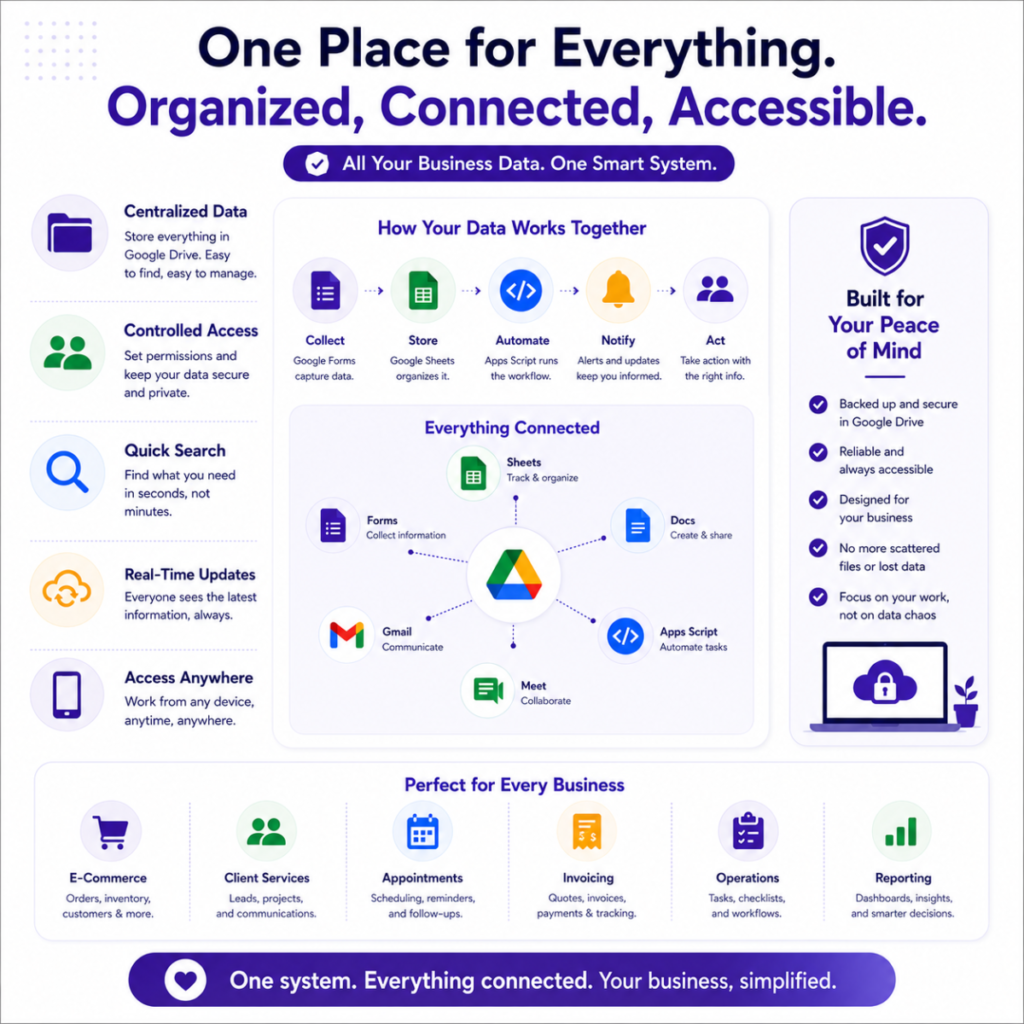
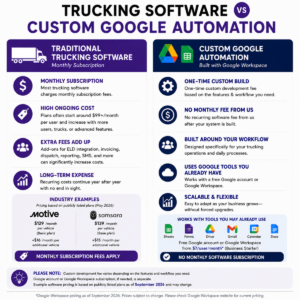
No additional third-party management software subscription is required for the automation itself. The system is built using Google Workspace tools you already know and use.
We specialize in creating custom trucking business automation workflows that can help manage everyday processes such as:
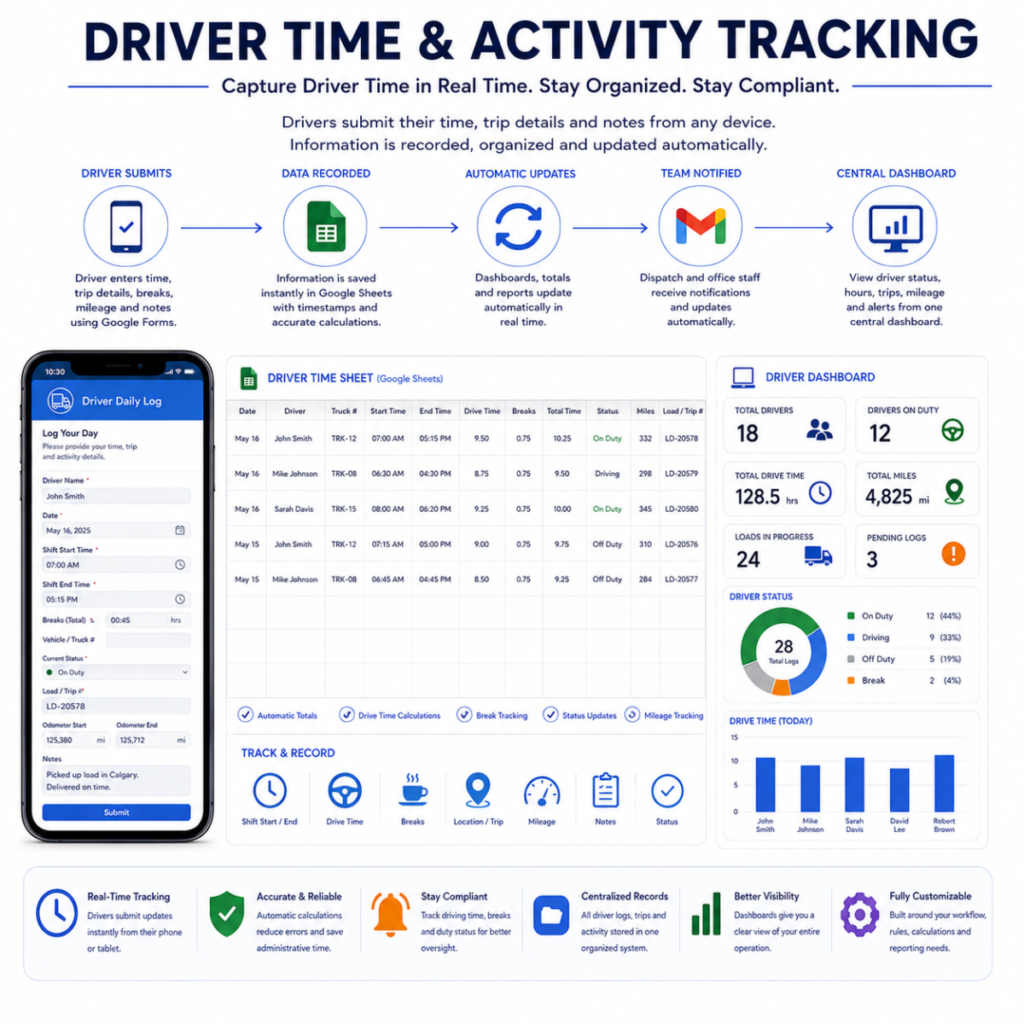
- Tracking driver time, trip activity, mileage, breaks, notes, and driver status.
- Managing active loads, driver assignments, pickups, deliveries, and load status updates.
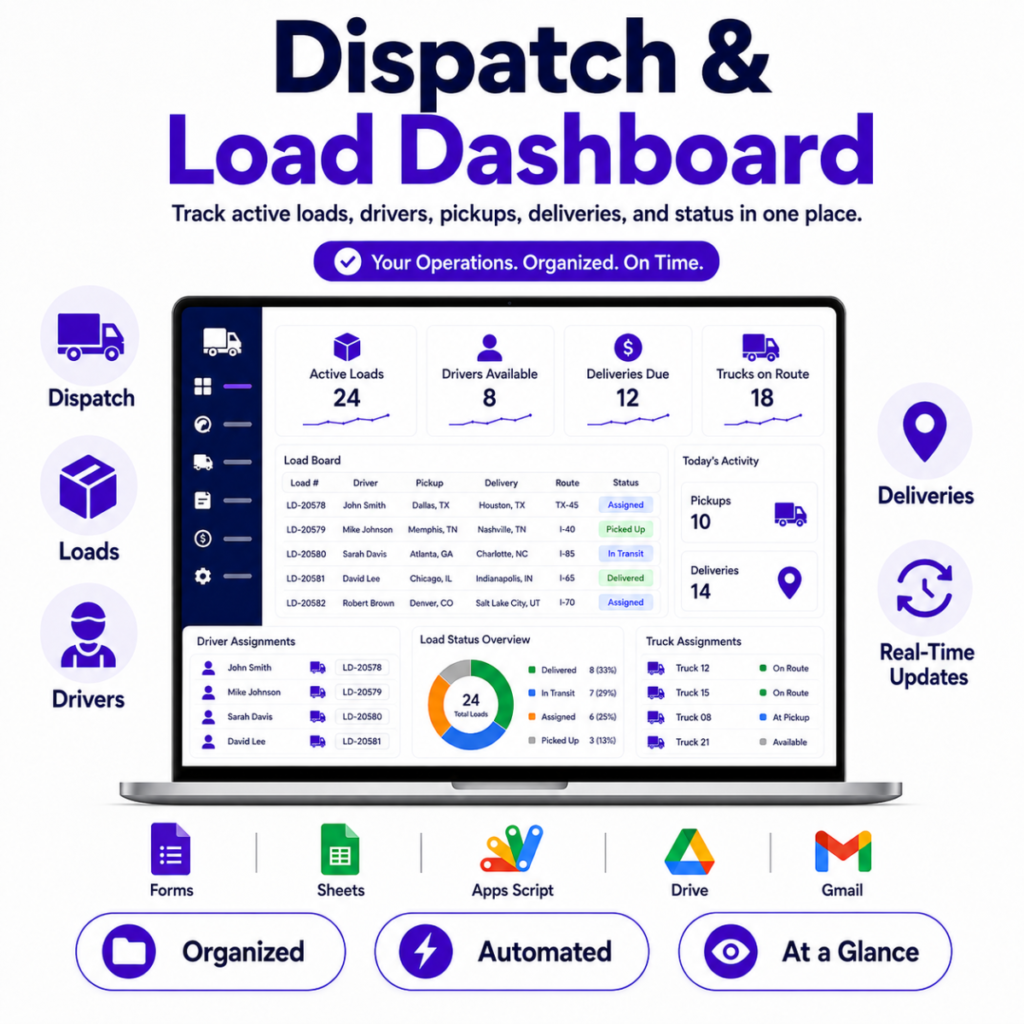
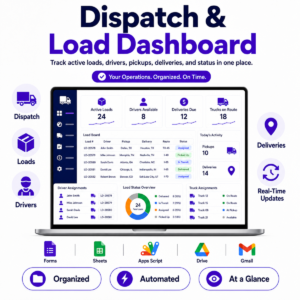
- Creating a centralized dispatch dashboard for drivers, trucks, loads, and upcoming deliveries.
- Syncing Google Forms submissions directly into structured Google Sheets databases.
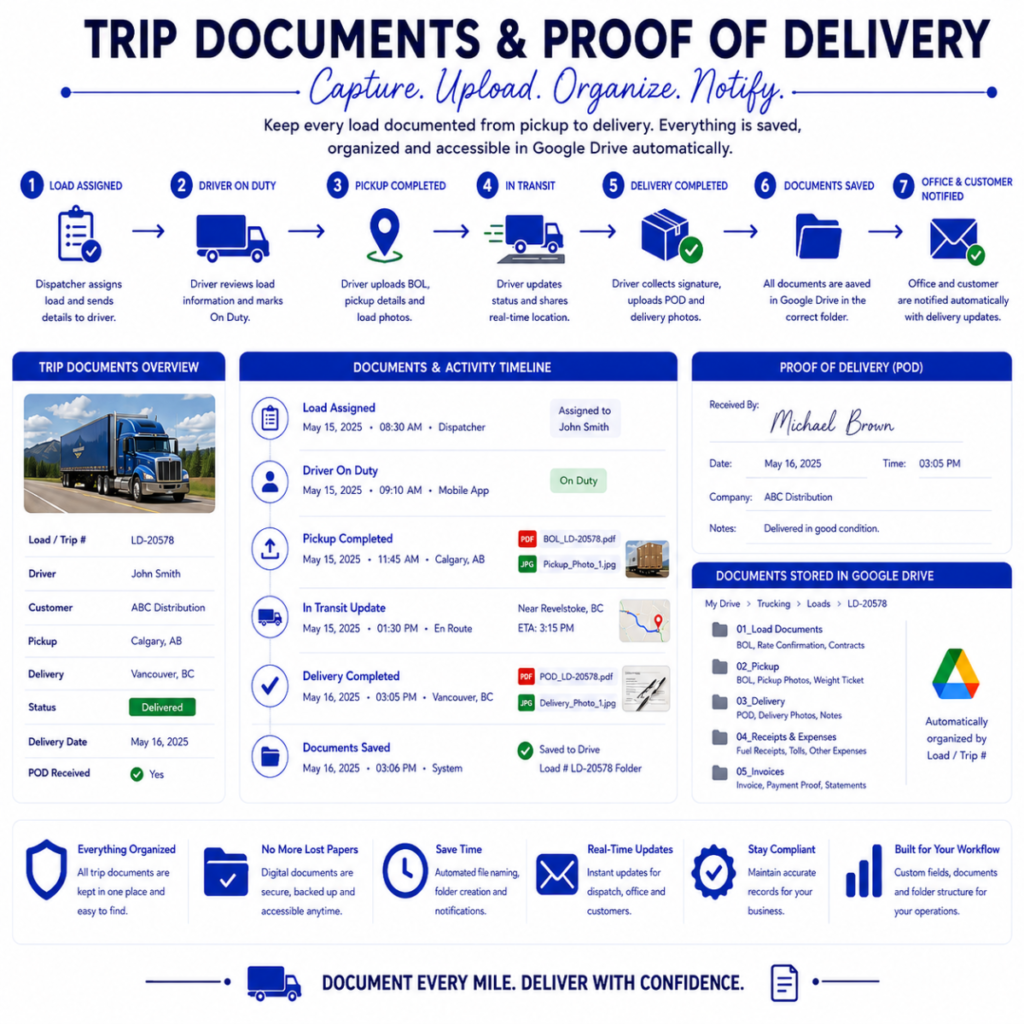
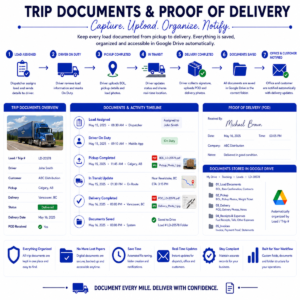
- Automatically organizing Bill of Lading documents, Proof of Delivery files, fuel receipts, delivery photos, and other trip records in Google Drive.
- Sending automated email notifications to dispatchers, office staff, drivers, or customers when important load updates occur.
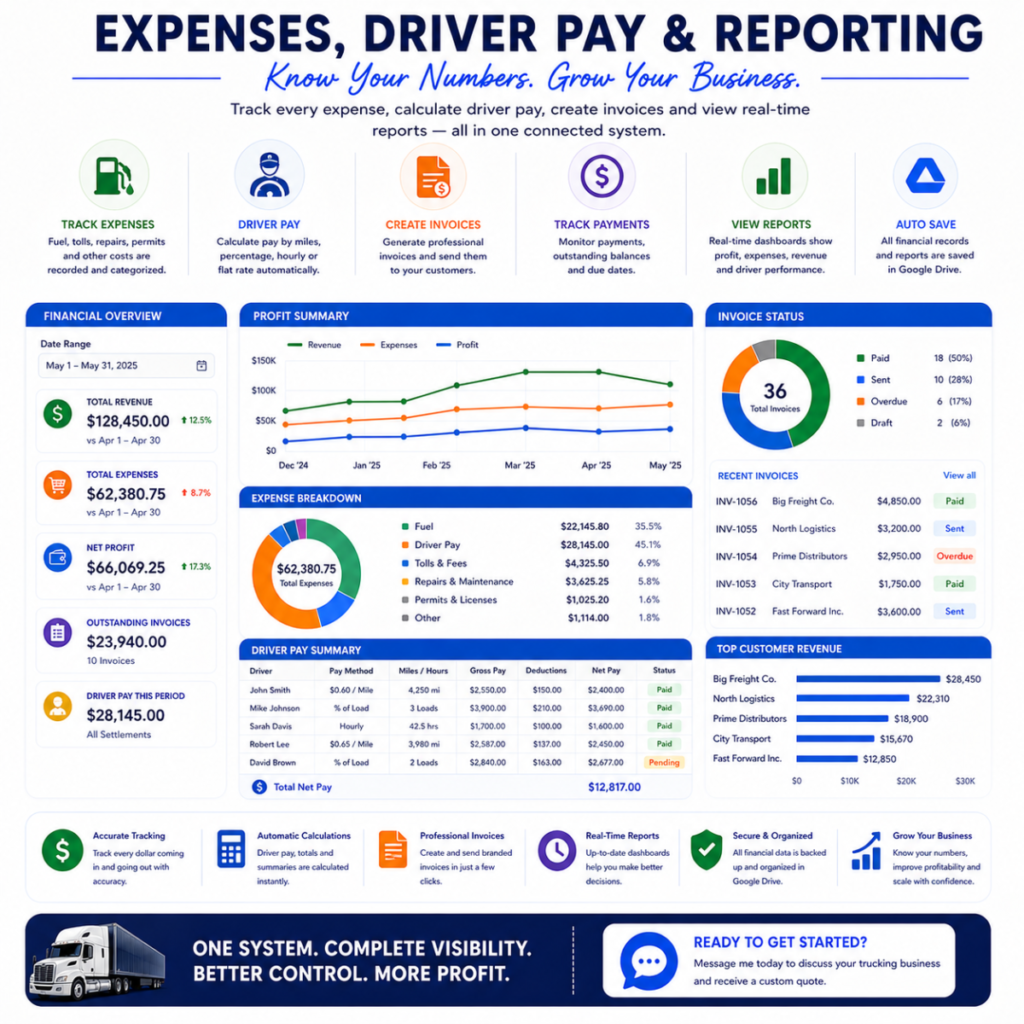
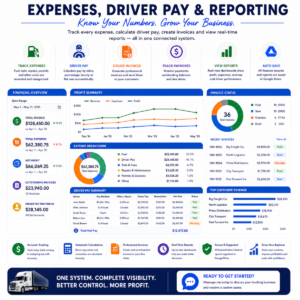
- Tracking trucking expenses such as fuel, tolls, driver pay, vendor expenses, and other trip-related costs.
- Creating PDF reports, driver summaries, load reports, invoices, or other trucking documents automatically.
- Maintaining organized driver, customer, truck, and load records in one centralized system.
- Building custom dashboards for load tracking, driver activity, outstanding documents, expenses, completed deliveries, and operational reporting.
Custom Trucking Workflow Automation
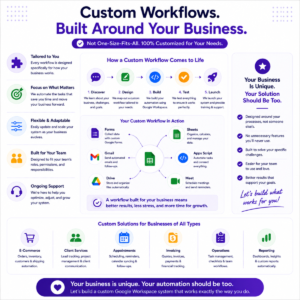
Every trucking operation works differently.
A small local fleet may only need driver time tracking, dispatch, and load records, while a growing transportation company may require multiple drivers, trucks, dispatchers, owner-operators, customer records, expense tracking, automated documents, and detailed reporting.
Your system can be customized around:
- Driver and truck management
- Driver time and activity tracking
- Dispatch workflows
- Load assignments
- Pickup and delivery tracking
- Mileage records
- Driver pay calculations
- Owner-operator records
- Fuel and toll expenses
- Trip document uploads
- Bill of Lading storage
- Proof of Delivery tracking
- Customer and shipper records
- Rate confirmation storage
- Invoice generation
- Google Drive folder organization
- Email notifications and reminders
- Trucking dashboards and reports
The goal is to create a trucking workflow automation system that fits the way your company already works instead of forcing your business into a generic template.
Driver Time Tracking
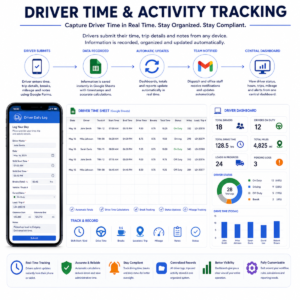
Drivers can submit operational information from a phone, tablet, or computer using customized Google Forms.
Depending on your requirements, the system can record information such as:
- Driver name
- Truck or vehicle
- Shift start and end time
- Trip or load number
- Mileage
- Breaks
- Pickup and delivery activity
- Driver status
- Notes
- Uploaded documents
The information can automatically populate your master Google Sheets database and update your internal driver tracking system or dashboard.
Dispatch and Load Tracking
A centralized trucking dispatch system can help office staff monitor active operations from one organized location.
Your dashboard may include:
- Active loads
- Available drivers
- Assigned trucks
- Pickup locations
- Delivery locations
- Scheduled loads
- Loads in transit
- Completed deliveries
- Outstanding trip documents
- Upcoming deadlines
- Driver status
- Trip activity
Load stages can be customized around your own dispatch process, such as:
Assigned → Picked Up → In Transit → Delivered → Documents Received → Completed
Trip Documents & Proof of Delivery
Drivers can upload important trip documents directly from their phone.
Your system may organize:
- Bill of Lading (BOL)
- Proof of Delivery (POD)
- Delivery photos
- Fuel receipts
- Toll receipts
- Scale tickets
- Rate confirmations
- Inspection documents
- Customer paperwork
- Other load-related records
Files can automatically be stored inside organized Google Drive folders according to load number, trip number, customer, driver, year, or another folder structure that works for your trucking business.
Expenses & Reporting
Your fleet management workflow can also track operational and financial information such as:
- Fuel expenses
- Toll expenses
- Driver pay
- Owner-operator settlements
- Truck expenses
- Vendor expenses
- Customer invoices
- Revenue
- Outstanding balances
- Trip profitability
Custom Google Sheets dashboards can provide a quick overview of important business information without searching through multiple spreadsheets and folders.
Refunds, Returns, and Exchanges
- If the project has not yet begun, you are eligible for a full refund.
- If the automation development has already started, a 50% refund of the order price will be provided.
- If the first draft layout is delivered, a 25% refund of the order price will be provided.
Booking and Payment
To secure your production spot and initiate work on your trucking automation system, full payment is required at the time of booking.
This ensures that dedicated development time and resources are reserved for your custom Google Workspace system without structural delays.
Processing Time for Customization
Please note that the order will be marked as completed 2 weeks after the purchase date to prevent it from becoming an overdue order in the shop system.
Please provide your operational details, current spreadsheets, forms, and workflow information as soon as possible.
The working deliverable will be securely sent within 3 business days after receiving all necessary project information unless a different development timeline is established for a larger custom system.
Important Note About Driver Hours
Driver time and activity tracking within this Google Workspace system is intended for internal administration, operational records, payroll support, reporting, and business management.
This system is not an Electronic Logging Device (ELD) and should not be used as a replacement for legally required ELD, Hours-of-Service, government reporting, or specialized transportation compliance software.
If your trucking business requires integration with an ELD, GPS, telematics platform, accounting system, or another external service, please mention this when requesting your custom quote.
Terms of Use
- No redistribution.
- The system may not be shared with another business or individual for unrelated use.
- No resale.
- No copying or modification for commercial redistribution.
- Custom automation is licensed for the business and workflow for which it was developed.
How to Get Started
1. Request a Custom Quote
Click the button below to complete our Project Inquiry Form.
Tell us how your trucking business currently manages drivers, dispatch, loads, trip documents, expenses, and reporting.
Providing examples of your existing spreadsheets, forms, load records, or administrative process helps us understand your workflow.
2. Scope Review
We will review your current trucking workflow and determine which Google Workspace tools and automations are appropriate for your system.
You will receive a custom project quote outlining the proposed workflow, development milestones, and features included in your trucking automation system.
3. Booking and Development
To secure your production spot and begin development, full payment is required at the time of booking.
Once confirmed, we will build your custom Google Sheets database, forms, dashboards, Drive organization, document templates, and Google Apps Script automation according to the agreed project scope.


Reviews
There are no reviews yet