
Browse our collection of Canva digital menu board tutorials designed to help restaurant owners and designers create beautiful, high-converting digital menus. Learn menu design best practices, Canva tips and tricks, digital signage setup, TV menu board optimization, color selection, typography, pricing layouts, and branding techniques. Whether you’re just getting started or looking to improve your existing restaurant menu boards, our step-by-step guides make designing in Canva simple and effective.
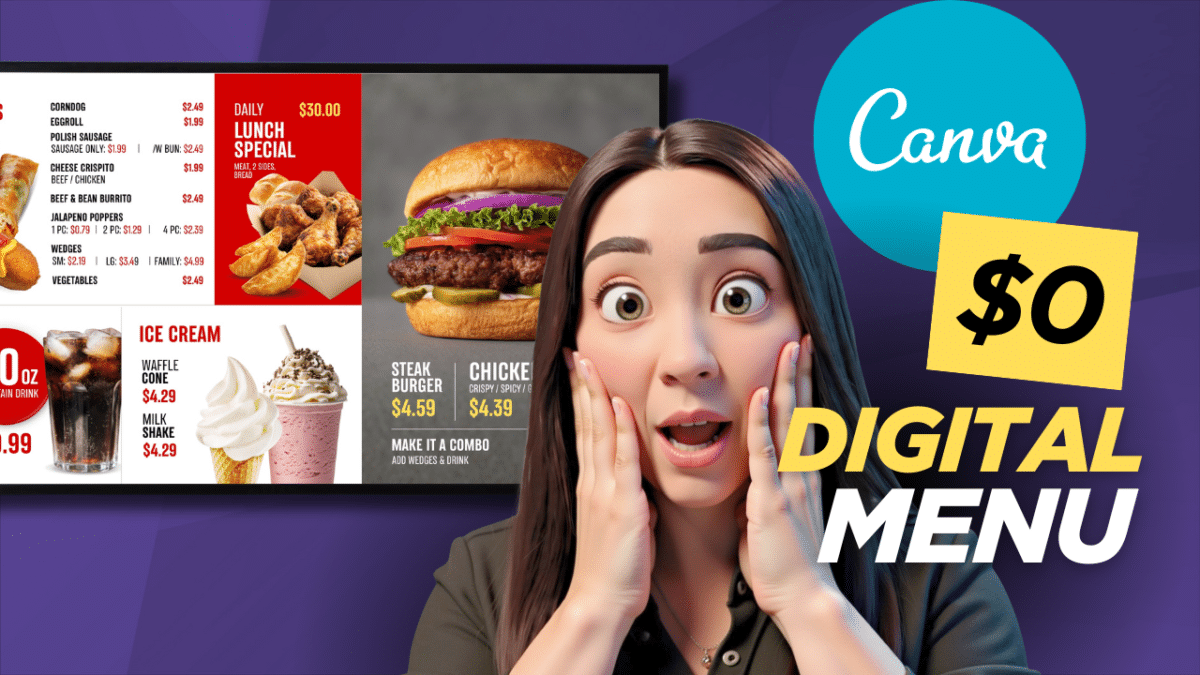
Design a Digital Menu: 1 Free Sizing Guide for Smart TVs
Learning how to properly design a digital menu is the ultimate way to modernize your restaurant storefront, boost your brand authority, and immediately save thousands of dollars on print materials. While drag and drop platforms make the physical layout process…


Digital Menu for My Food Truck: 1 Easy Free Setup Guide
Setting up a digital menu for my food truck was one of the best operational decisions I made to lower overhead costs while keeping my mobile branding sharp. Operating a mobile food business requires incredible efficiency, high adaptability, and keeping…
Canva Menu Boards: 3 Huge Reasons to Drop Your Subscription
Canva menu boards are rapidly transforming how small businesses handle their storefront visuals. For years, running an electronic display layout meant getting locked into expensive tech contracts, dealing with confusing software dashboards, and waiting days for a designer just to…

